CRT effect in Dungeonlog: an old tube-TV look
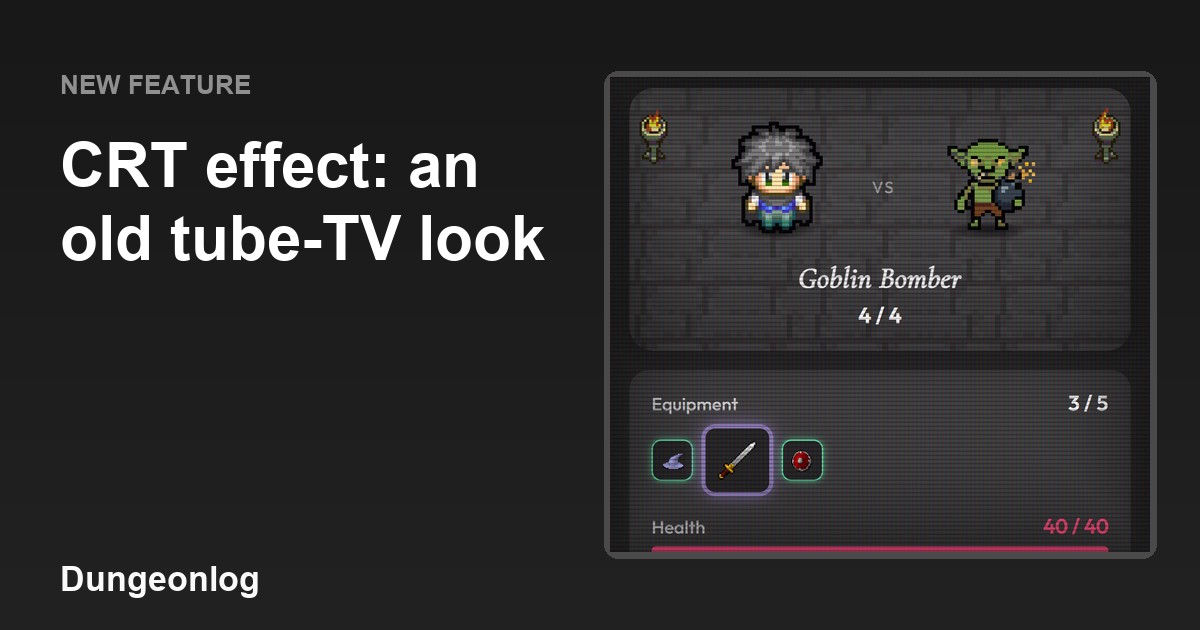
Dungeonlog now has a CRT effect, which gives the app the look of an old tube TV. It goes well with the game's pixel art, and you can turn it on and off whenever you like. This article explains what the effect does, why it fits the app and where you turn it on or off.
Why a tube-TV effect
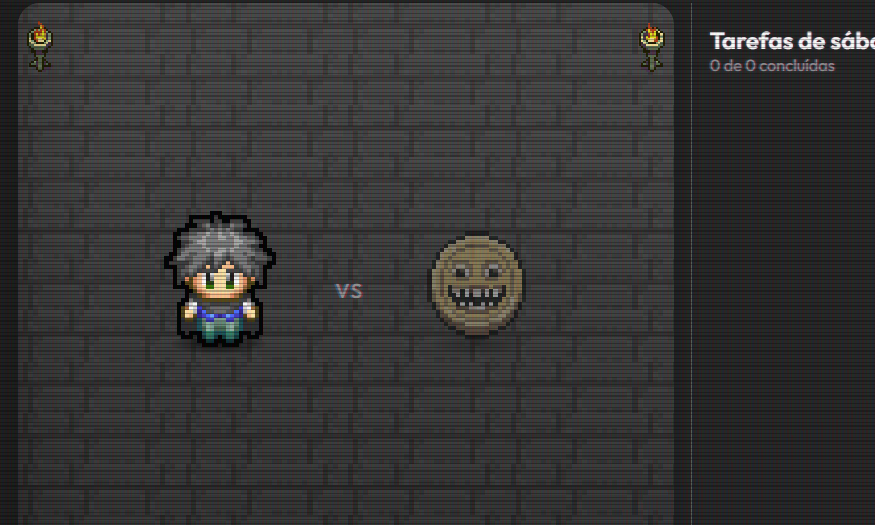
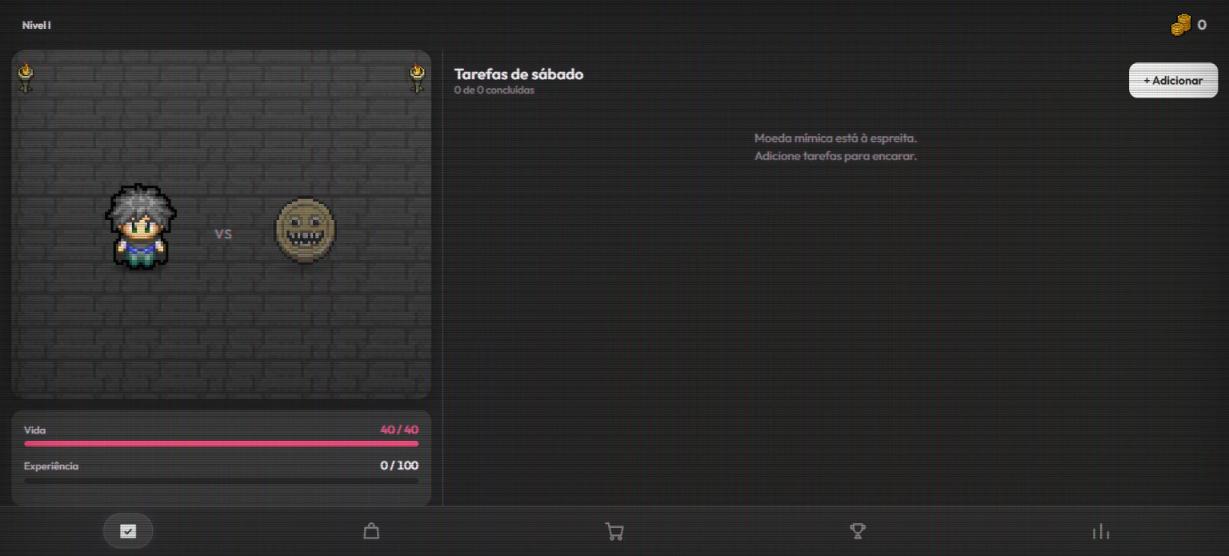
Dungeonlog is a to-do app with an RPG look in pixel art: the hero, the monsters and the items are drawn with sharp pixels. A tube TV (CRT) was the screen of old games, so the effect strengthens that retro mood. The captures in this article were taken with the effect on.
What the effect does
The effect lays thin horizontal lines (scanlines) over the screen, a red, green and blue color mask, a dark vignette around the edges and a slight brightness flicker. Colors get a little more vivid and text gets a faint red and blue fringe, like on a tube screen.
For people who prefer less motion, the flicker is turned off when the device has reduced motion enabled. The effect stays available, just without the flashing brightness.
The effect works over any theme in the app. It does not show on the entry screen (login and intro), so the text stays readable.
How to turn it on or off
After you see the tutorial of the Tasks tab, the app shows a one-time invitation: "Want an old tube-TV look in the app? You can change this anytime in Preferences > CRT effect." You choose Turn on or Not now.
At any time, the "CRT effect" switch in Preferences turns the effect on or off. If you picked "Not now" on the invitation, that is where you can turn it on later, and if you turned it on and did not like it, that is where you turn it off.
The CRT effect is not a Pro feature.