Item rarities in Dungeonlog: from Common to Unique
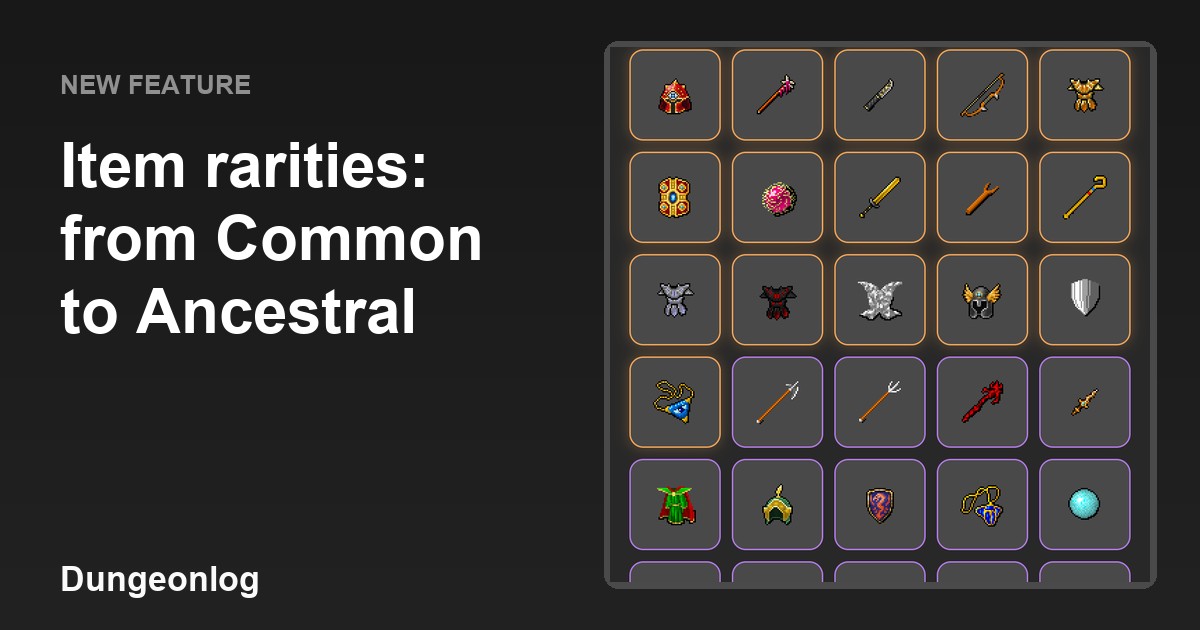
Items in Dungeonlog now have a ladder of eight rarities. It shows in each item's name and color, and it sets how much a piece of equipment helps your hero. In this article you will see, step by step, how each rarity works and where to find that information inside the app.
The eight rarities
The rarity scale goes from Common to Unique, in this order: Common, Uncommon, Rare, Superior, Epic, Legendary, Ancestral and Unique. Superior sits between Rare and Epic, and Ancestral sits above Legendary. This order applies to every type of equipment, so a Rare item is always above an Uncommon one, whether it is a weapon, a helmet or an accessory.
Each rarity has its own color, and the item sheet shows the rarity next to the type, like "Rare · Weapon". Superior is pink, so it is not confused with the blue of Rare. That way you can tell at a glance how valuable an item is, without reading the numbers.
Where rarity shows up: the shop
The shop is the easiest place to see rarity at work. Each item in the list shows its name, then the rarity and type right below it (for example "Common · Weapon" or "Common · Accessory"), and on the next line the XP and coin bonus it gives. In the image below, the Rusty Sword and the Steel Sword are Common weapons and show "XP +5% · Coins +3%".
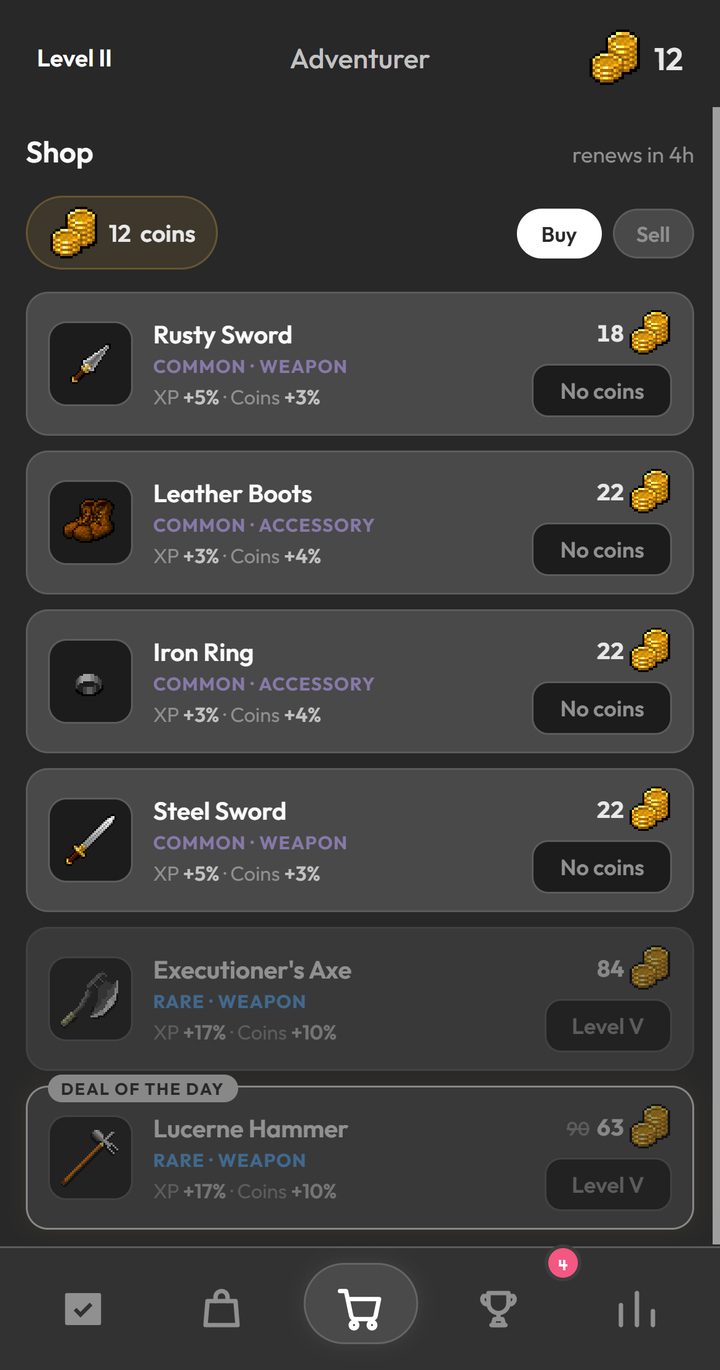
On the same screen you can see Rare items, such as the Executioner's Axe and the Lucerne Hammer. They look dimmed and show a "Level V" button instead of "No coins", which means these items require a minimum level to be bought. The shop also highlights a "Deal of the day", which shows the old price crossed out next to the new one.
What rarity changes
Weapons, armor, helmets, shields and accessories give a percentage bonus to XP and to coins, and that bonus grows with each step of rarity. A Common weapon gives +5% XP and +3% coins. An Ancestral weapon gives +50% XP and +31% coins. Each type of equipment has its own bonus values, so two items of the same rarity but different types do not give exactly the same numbers.
In practice, every task you finish earns a little more XP and coins when you are wearing better gear. It is a way for your progress to show up in what each task of the day is worth.
The inventory and the equipment panel
In the inventory, the equipment panel sits at the top of the screen, with slots for the weapon, chest, helmet, shield and accessory. It adds up the bonus from everything you are wearing and shows the total for coins and XP. In the capture below, the panel shows "Coins +9%" and "XP +14%". When a slot is empty, like the chest and accessory here, the app shows the name of the slot type instead of an icon.
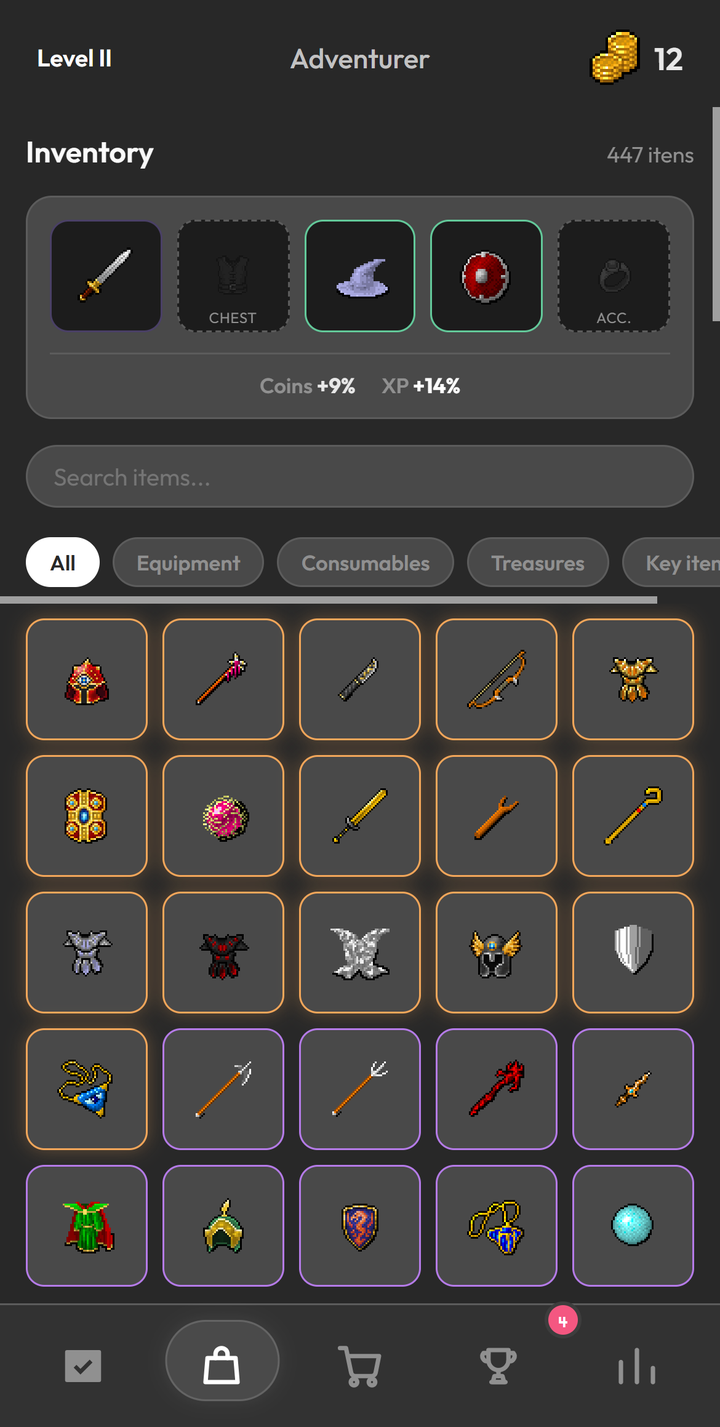
Below the panel there is a search box, filters (All, Equipment, Consumables and Treasures) and the grid with your items, each with a colored border.
Your gear during the day
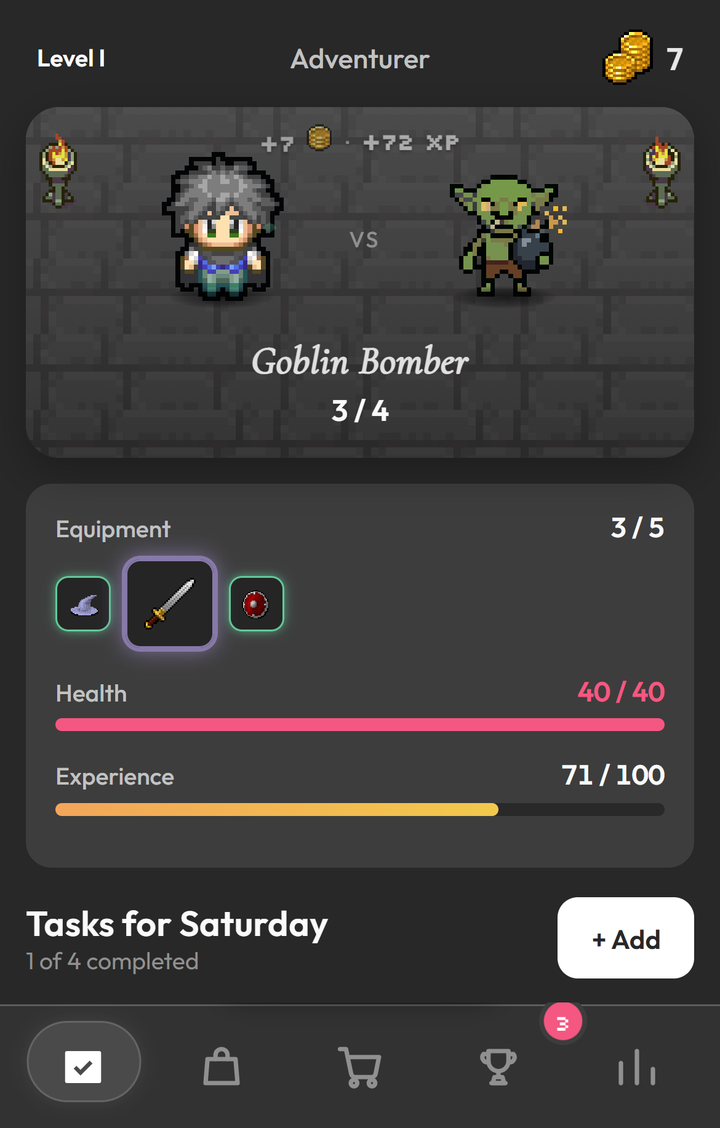
What you wear does not stay hidden in the inventory: on the Tasks screen, the "Equipment" card shows how many slots are filled, like "3 / 5", and the icons of the equipped items, right below the monster of the day.
How items show up
In normal drops, the higher the rarity, the less often the item appears. The draw uses weights, which work as relative chances: Common has weight 50, Uncommon 28, Rare 8, Superior 6, Epic 6, Legendary 1.4 and Ancestral 0.6. So in the normal draw, Ancestral is the rarest, then comes Legendary, and Common is the most frequent. Unique has weight zero in the normal draw, so it does not drop from a normal drop. That is why it pays to keep finishing the day's tasks consistently: that is how your gear gets better over time.